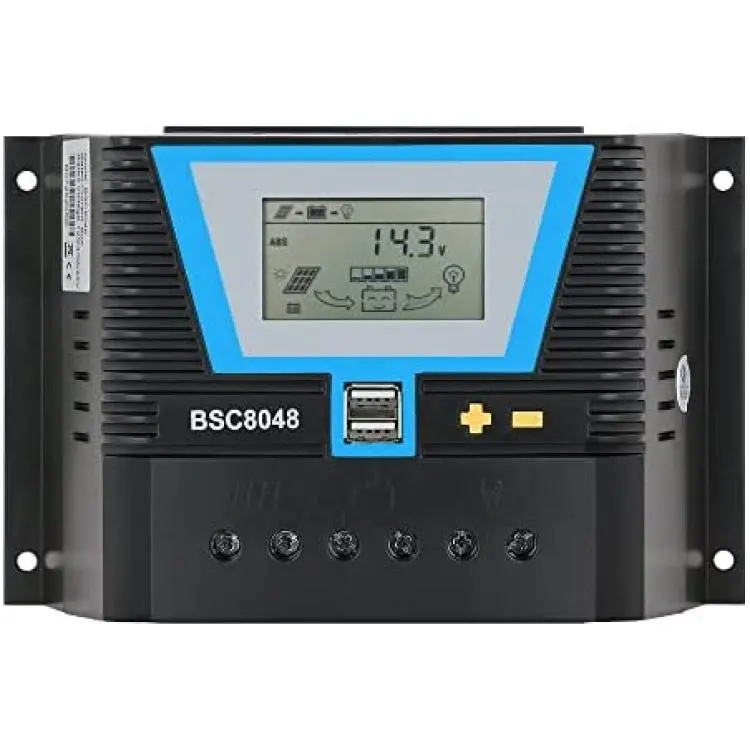
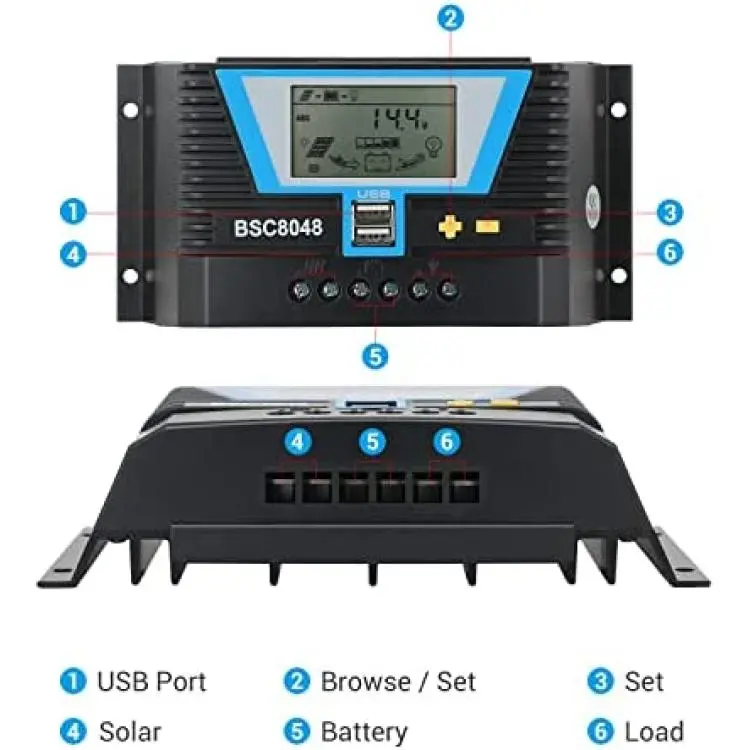
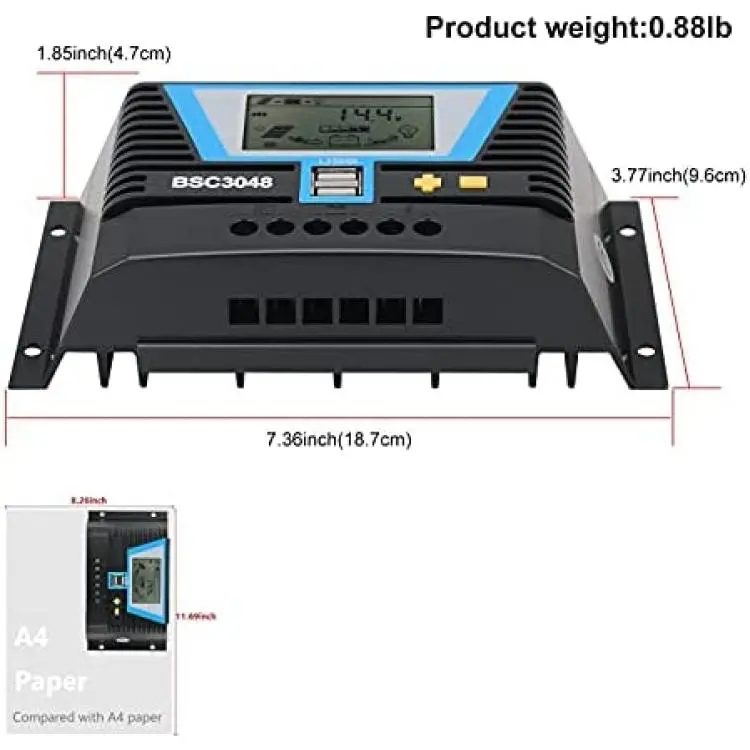
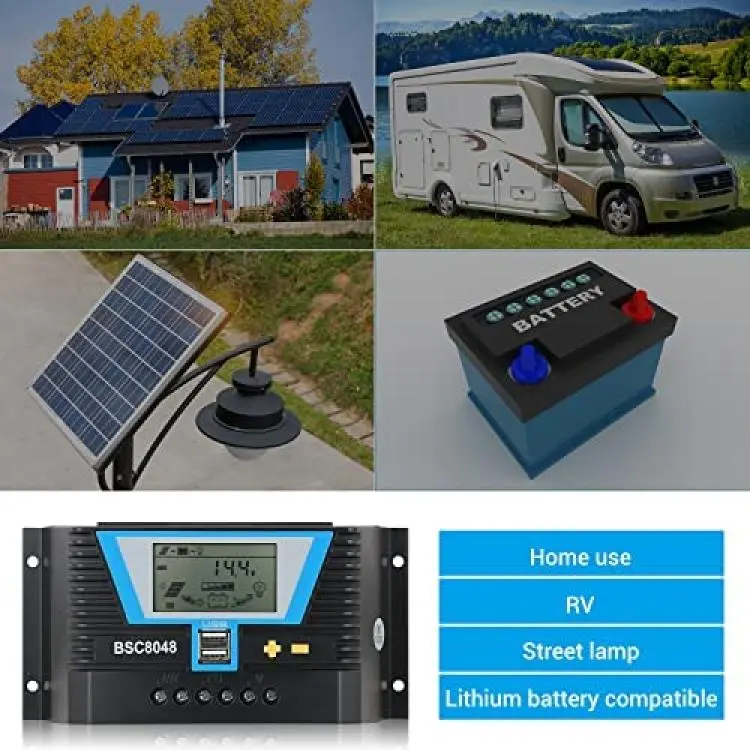
Description
System voltage of battery 12V/24V/36V/48V automatic recognition;
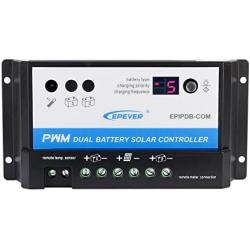
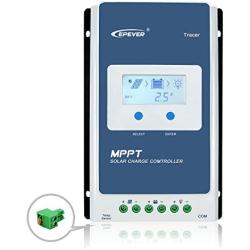
(Important NOTE: Controller will Automatically recognition battery voltage, but battery type needs to be set by yourself, Especially lithium batteries)Intelligent 4 stages PWM charging: Bulk, Absorption, Equalize, Float;LCD display with Back-lighting shows device’s operating data and working condition;Humanized simple button operation; Adjustable charge-discharge control parameters;
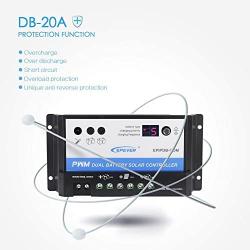
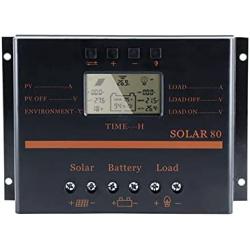
Support battery: Lead-acid battery (Sealed, Gel, Flooded) and Lithium battery (LiCoMnNiO2, LiFePO4); Selectable(charging parameter preset):Sealed Battery (Default), Gel, Flooded, Lead-Acid User-defined, LiFePO4: 3.2V-4S /8S /12S /16S, LiFePO4: 3.2V-5S /10S /15S /20S,LiCoMnNiO2: 3.7V-3S /6S /9S /12S,LiCoMnNiO2: 3.7V-4S /8S /12S /16S, Lithium User-defined BatteryMultiple load control modes: 24Hours Working Control, Light Control, Light and Dual Time Control;Automatic temperature compensation and accumulated function of charge and discharge KWH;Double USB output 5V/2A;Full electronic protections:Reverse-Polarity/Reverse-Discharge/Over-Heating Protection/Over-Current/Over-Load/Short-Circuit etc.Max charging current is 80A.
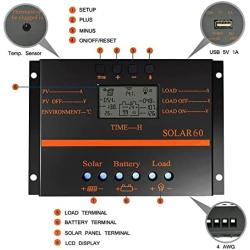
(For safey concerns, controller default charging current of Lithium battery is 5A, it can be adjusted from 5A to 80A, IF battery is lithium, please set this value according your battery requirement. Lead-acid batteries do not require this additional setting.)Interface browsing: Press "+" or "-" to browse different parameters.
Turn ON/OFF Load: Set the load to 24H working mode frist, then on the main interface press "-" to TURN ON/OFF the load terminals output.
Parameter setting modification: press and hold "+" on the settable interface to enter the parameter setting, then press "+" or "-" to adjust the parameter value, and finally press and hold "+" to confirm and save the parameter setting. (press and hold "-" means: do not save the parameters and restore the last parameter settings)
Restore factory settings: press and hold "+" on the ambient temperature interface to restore factory settings.Under the interface of Accumulated KWH, press and hold “?” button can clear the value;When no operation 30s, the interface will be back to main interface, and back-light will be turned off.
Controller will Automatically recognition battery voltage, but battery type need to be set by yourself, Especially lithium batteries, Please set correct battery type when first connecting.If bad face appear in battery icon OR controller display cant Lights up steadily, please double check 1. if your battery has enough voltage 2.If your wiring tight with terminal, if “+” “-” ‘s connection correct.This controllers Charging is from high voltage to low voltage. Please make sure PV voltage is much higher than batterys.
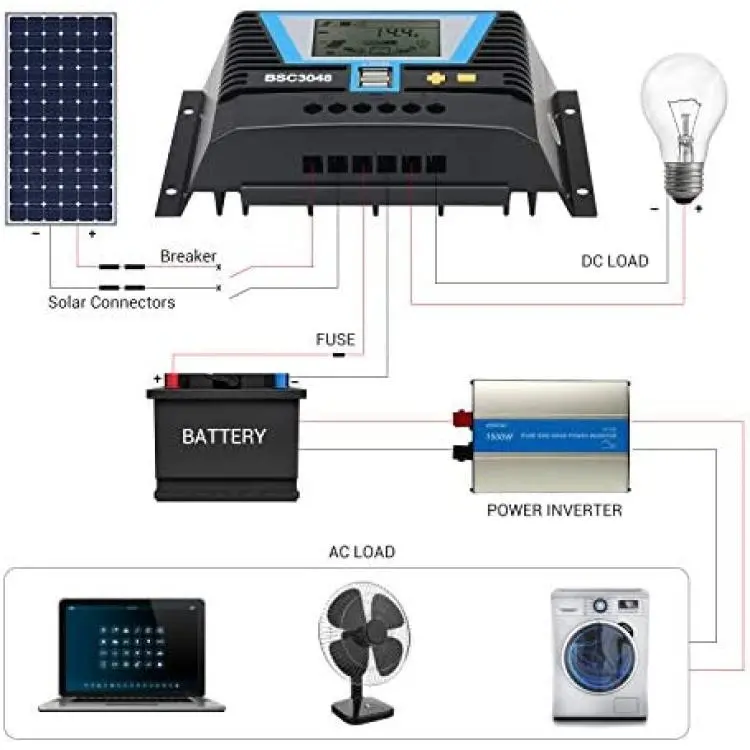
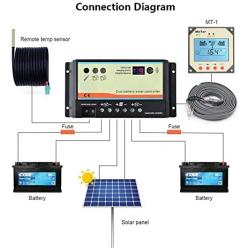
IF your solar panels voltage is lower or almost the same with batterys voltage, controller cant charge your battery. After connected with Battery succefully, LCD display will turn ON and automatically recognizes the battery voltage level, 3 seconds later, it will enter to the main interface of LCD;Controller charging is mainly affected by the input voltage/current of Solar panel(affected by sunlight and solar panels own electricity generation), and battery voltage; IF controller doesnt charge,please double charge your pv inputs voltage and battery voltage.For safey concerns, controller default charging current of Lithium battery is 5A, it can be adjusted from 5A to 80A, IF battery is lithium, please set this value according your battery requirement. Lead-acid batteries do not require this additional setting.Please make sure that the PV/Battery‘s positive and negative poles are connected to the correct terminal when wiring.Equalizing charge will be after every 90 times Floating charge, or one charge in three months;
Battery Reverse-Polarity explanation: If the battery is connected with controller in reversed polarity and solar controller is not connected with solar panel, controller will not be damaged and will work as normal when correctly connected;
But if solar controller connected and Battery connected Reverse polarity, controller will damaged.Please make sure that the PV/Battery‘s positive and negative poles are connected to the correct terminal when wiring.
Frequency Asked Questions
What is motormaker.net?
MotorMaker.net is an online retailer and bulk order e-shop for electric motor and controller products, range from standard products and customized products. Main production bases are located in Shenzhen, Dongguan, Wuhan, Shanghai and Chengdu. A professional team supports your order and customization design.
What service can be supported from motormaker.net?
MotorMaker.net offer product order and product customization service. All orders will be supported after-sales service, including quanlity gurantee, and technical support.
How to order products from motormaker.net?
You can online order product from motormaker.net by adding product to cart and got to checkout page. Multiple currency options are supported. You can choose suitable currency to place order. Before checkout, you should register account to submit order information.
How to delivery your order from motormaker.net to you?
For order delivery, motormaker.net provides three shipping options, express, air-flight and sea freight. You can choose one option according to your order.
How to inquiry product bulk price?
For the interested product, you can submit bulk price inquiry by bulk order inquiry form.