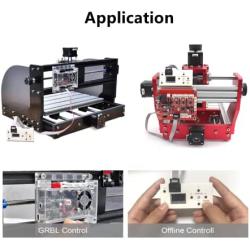


3 Axis 1.1f USB GRBL Control Board with Offline Working Remote Hand GRBL Controller LCD Screen for CNC Laser Engraving Milling Machine Wood Router
About this product
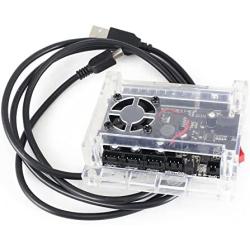
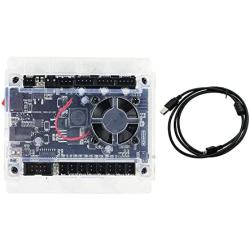
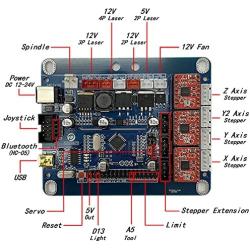
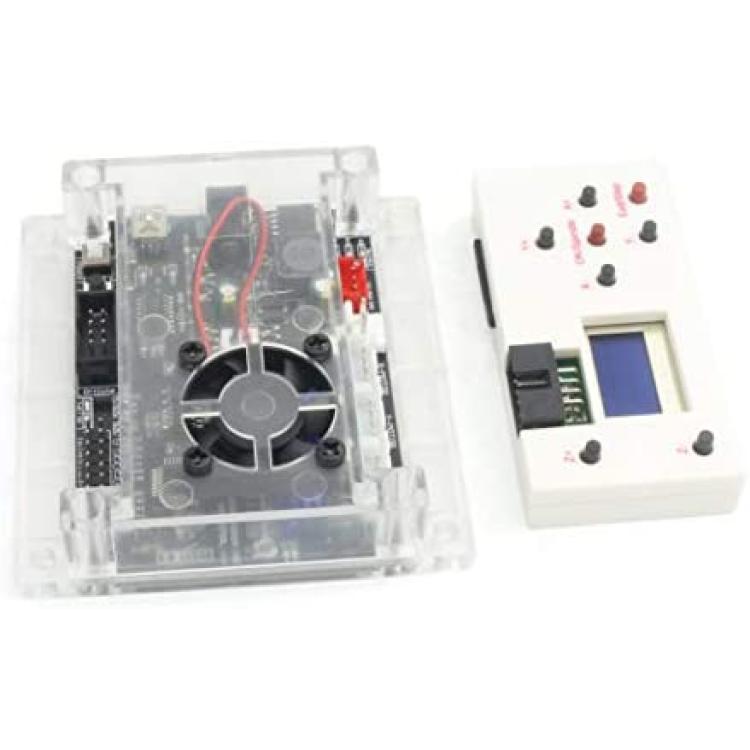
*Name: GRBL 1.1F 3 Axis Control Board V3.4+Offline Controller
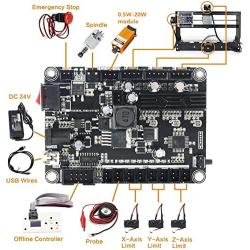
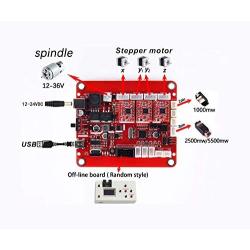
*Input voltage: 12-24VDC (recommend 24VDC);
*Support GRBL Contol/Candle(3 axis);Laser Grbl;Support System:Windows XP/7/8/10;Support Laser:12V 5Amax;
*Support stepper motor: 12V, maximum current of 2A or less is recommended within 1.5A and additional heat. (Any stepper motor 42, 57);Support spindle:24V 2A Support Spindle PWM speed (0%-100%)
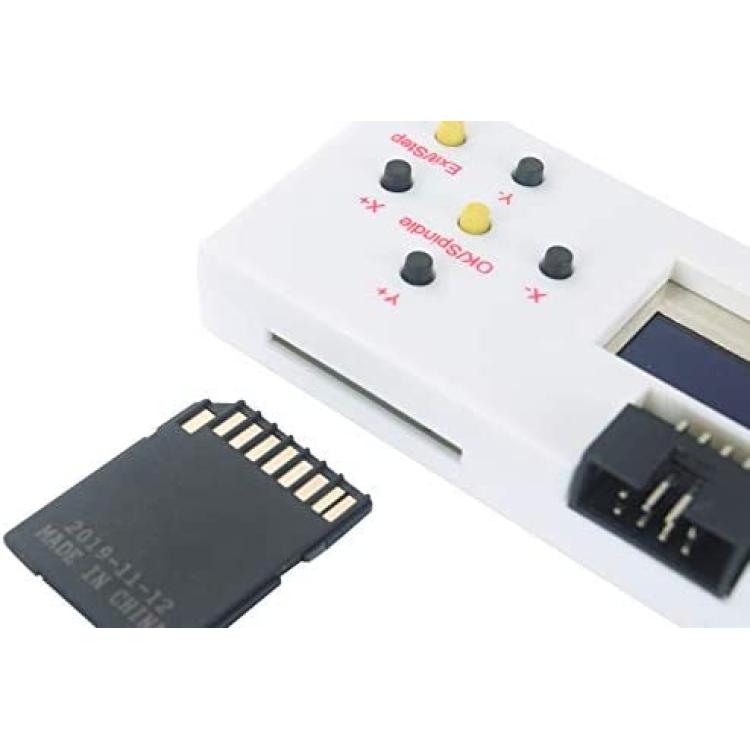
*Master chip: atmel 328P (arduino nano);Offline Control support SD card and tf card at the same time, standard capacity 1G, (notebooks generally have SD card interface, copy files are very convenient)
Description
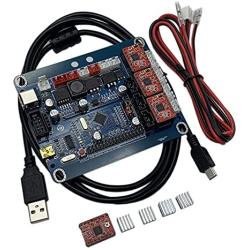
Package include:
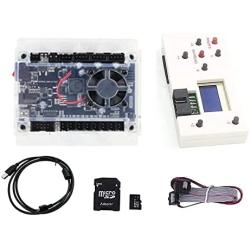
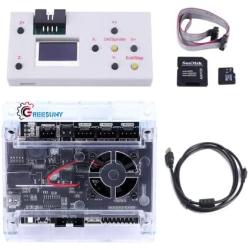
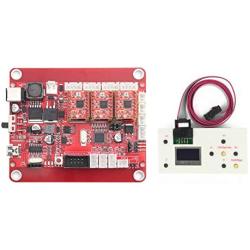
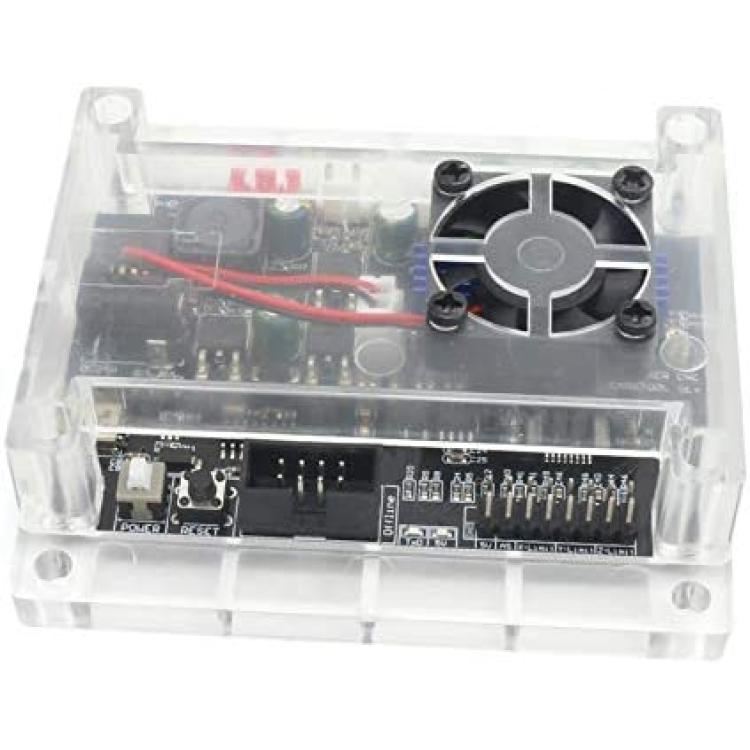
1x 3 Axis GRBL control board V3.4
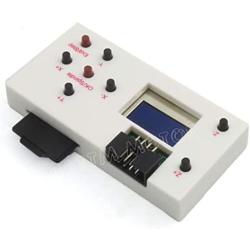
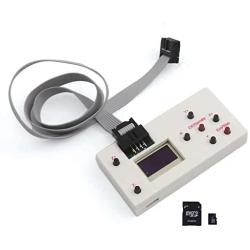
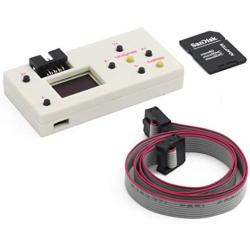
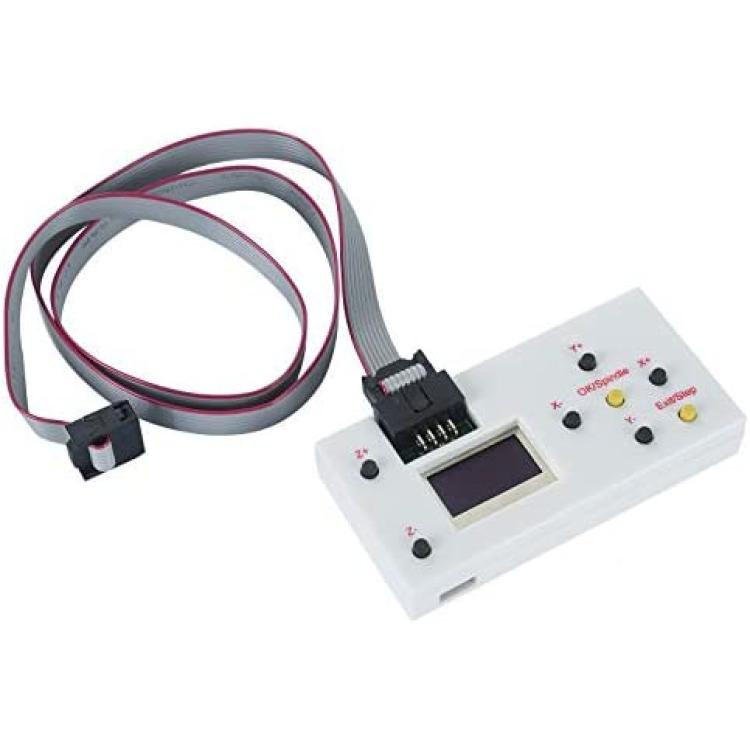
1x GRBL offline controller
1x USB cable
Specification:
Connection: USB (USB-CH340)
Support Software: GRBL controller, UniversalGcodeSender
Input voltage: 12-24V
Master chip: atmel 328P (arduino nano)
Spindle drive chip: MOSFET
Spindle PWM speed: Support
Support stepper motor: 12V, maximum current of 2A. (Any stepper motor 42, 57)
Laser engraving: Support
Power Interface: 5.5-2.5mm DC interface
Advantage
1.add the outer casing
2.add the power button switch
3.Use integrated imported stepper motor drive
4.Add the fan port to force heat dissipation;
5.add offline recognition
6.Improved USB interface
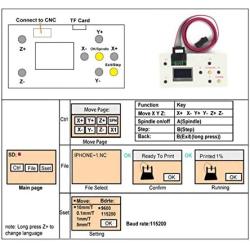
GRBL offline controller function:
1. Manually control: manually adjust X, Y, Z axis location as engraving starting point, manually open or close spindle, manully open or close cooling fan
2. File engraving: after off-line controller save file, it can connect the GRBL control board and process engraving, no need to connect PC computer
3. Save file: after the off-line controller connect PC, it will be recognized as USB, large capacity storage device, can access engraving file directly.
SD shows it is SD card condition, turn on power supply after insert SD card, otherwise, it won't work. SD card capacity 4G could be recognized.
Press X- or X+ button to switch
Control?Press confirmation button to access manually controlling page
File?Press confirmation button to access file page
Set?Press confirmation button to access setting page
On the off-line controller, buttons control corresponding actions.
SPN is spindle controlling,should press SPIN.
Fan is fan controlling, should press SMOD.
Frequency Asked Questions
What is motormaker.net?
MotorMaker.net is an online retailer and bulk order e-shop for electric motor and controller products, range from standard products and customized products. Main production bases are located in Shenzhen, Dongguan, Wuhan, Shanghai and Chengdu. A professional team supports your order and customization design.
What service can be supported from motormaker.net?
MotorMaker.net offer product order and product customization service. All orders will be supported after-sales service, including quanlity gurantee, and technical support.
How to order products from motormaker.net?
You can online order product from motormaker.net by adding product to cart and got to checkout page. Multiple currency options are supported. You can choose suitable currency to place order. Before checkout, you should register account to submit order information.
How to delivery your order from motormaker.net to you?
For order delivery, motormaker.net provides three shipping options, express, air-flight and sea freight. You can choose one option according to your order.
How to inquiry product bulk price?
For the interested product, you can submit bulk price inquiry by bulk order inquiry form.
Related Products